

rideshare for college students. find someone heading your way and split the drive.
only students with a .edu email. no ads, no tracking.
what it does
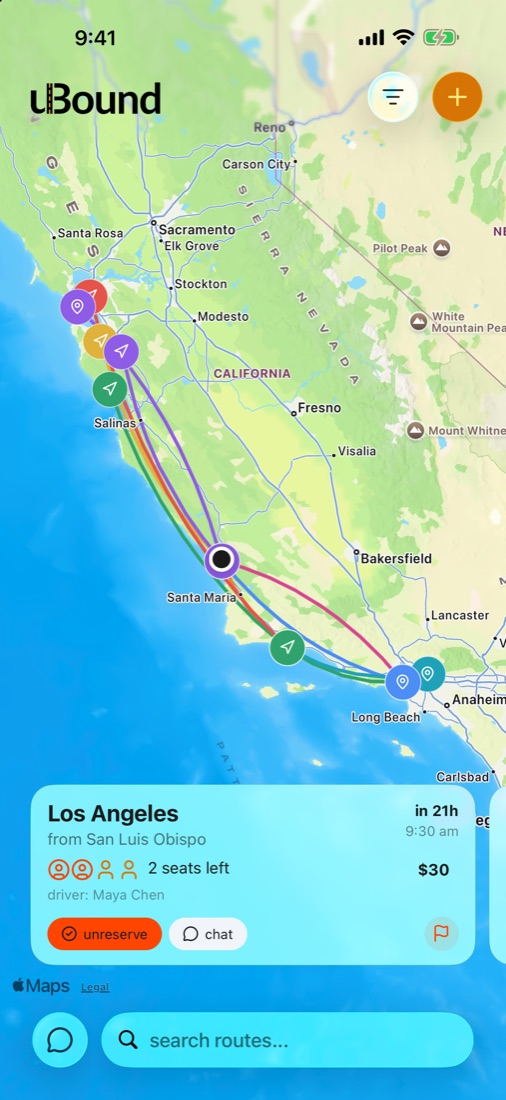
drivers post where they're headed and when. riders see every route drawn on the map and grab a seat.
each route is a line from origin to destination. tap one to see the driver, the time, seats and price.
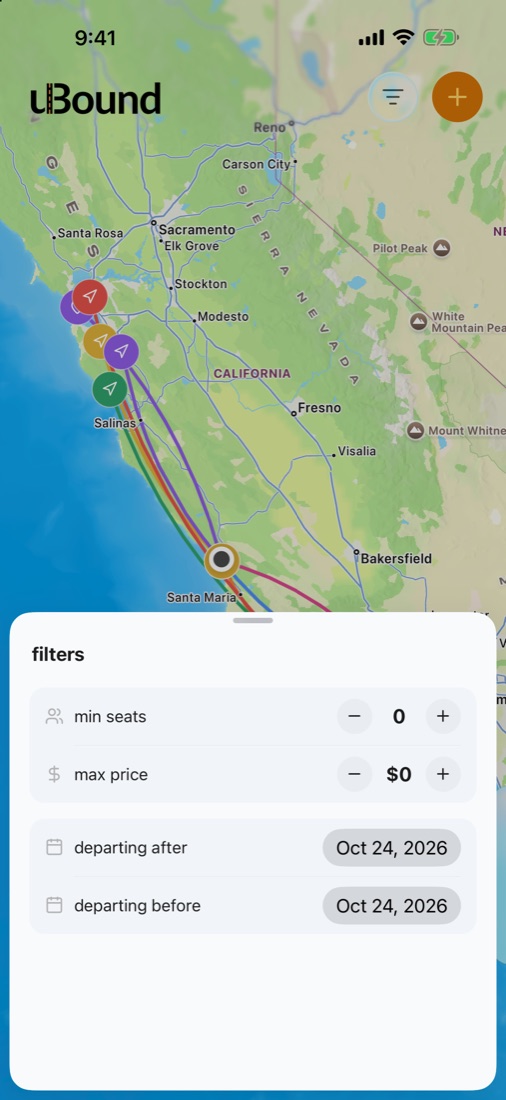
minimum seats, maximum price, and a window for when you want to leave.
tap reserve on a route's card. the driver gets a notification right away.
tap the map for where you're leaving from and where you're going, then set the time, seats and price.
everyone on route signed up with a university email. talk it through before you go.
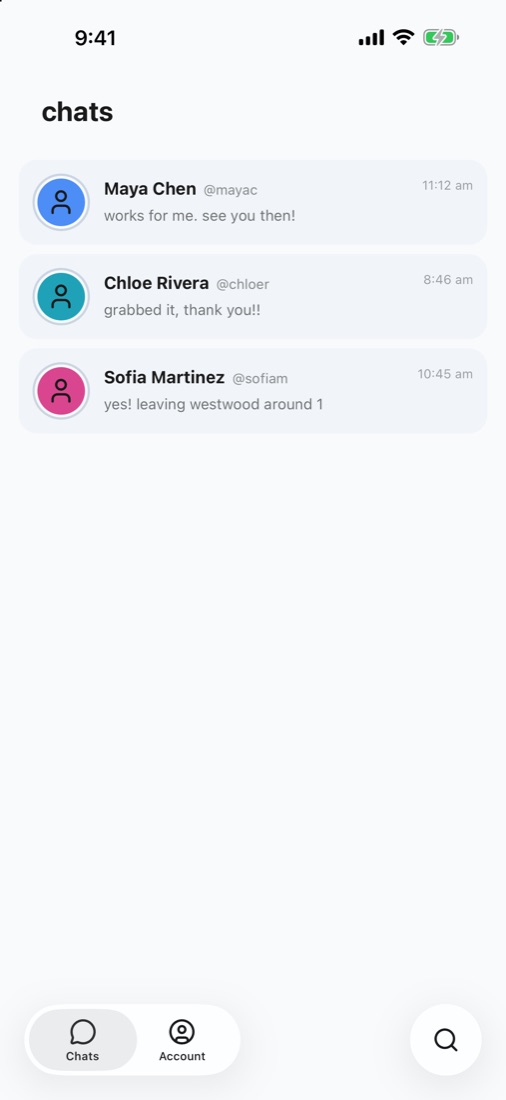
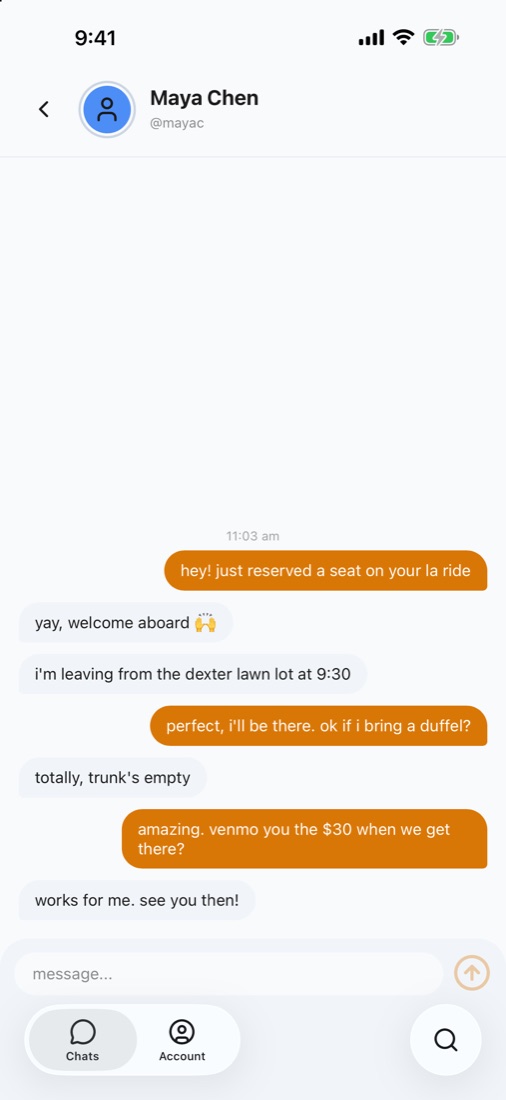
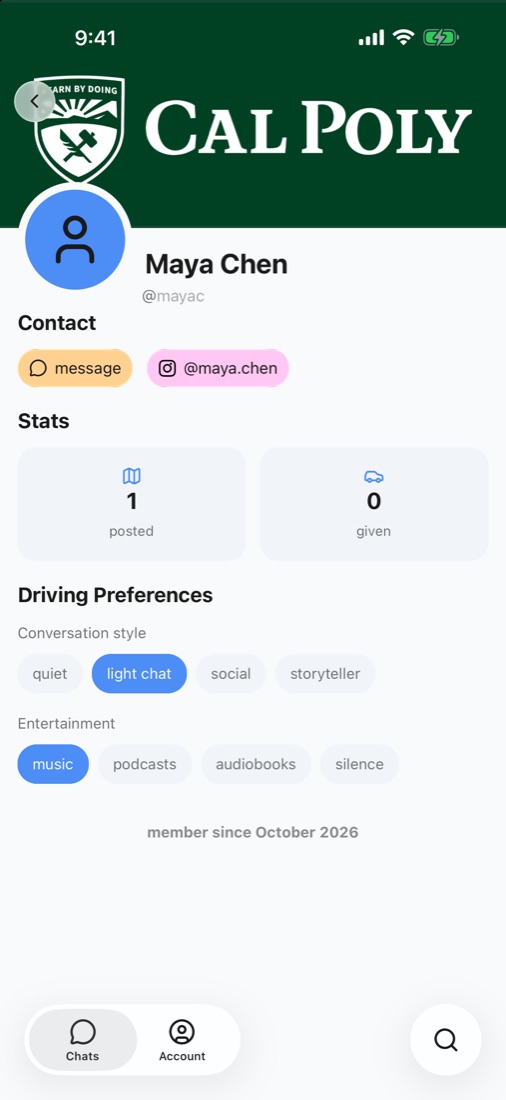
message a driver straight from their route, with a notification when they reply.
profiles show the school from your email, so you know they're a fellow student.
chatty or quiet, music or podcasts. set it once and riders see it before they book.
add your handle so people can put a face to the name.
privacy
route keeps your profile, your routes and your chats so rides can happen, and nothing more. there are no ads and no tracking. read the privacy policy.
sign-up only accepts university email addresses, whether you use apple, google, microsoft or email.
route has no analytics, no advertising and no tracking code.
other students see your name, username, photo and school, never your full email address.
route stores your profile, the routes you post, your reservations and your chats, and nothing else.
getting started
route is free. drivers set their own price per seat, and you settle up with them directly.
download it from the app store. it runs on iphone.
use apple, google, microsoft or email, as long as the address ends in .edu.
browse the map and tap reserve, or tap + to post where you're driving.